GK222 APK Security: Verified SHA-256 Hashes & Safe Sideloading
Comprehensive security audit of the GK222 Android APK. Discover our verified cryptographic SHA-256 signatures, zero-malware certification, and transparent permission policy.
- Official 4096-bit RSA cryptographic signature prevents package tampering.
- Minimalist permission model: zero access to contacts, SMS, microphone, or storage.
- Independently scanned 100% clean of malware, adware, keyloggers, and spyware.
- End-to-end 256-bit SSL encrypted API communications with server certificate pinning.
Our Privacy-First Approach to Mobile Security
When downloading applications from outside the Google Play Store, security-conscious users rightfully question what permissions an app requests and what data it accesses. Many rogue betting apps exploit excessive permissions to harvest private user data, read incoming SMS messages, or track physical GPS locations.
GK222 takes a radically transparent, privacy-first approach. Our engineering philosophy is simple: a casino app needs only to stream games and process your banking requests. It has zero legitimate need to access your private photos, personal address book, or camera. Every release of our APK is compiled with the minimal permission set required for network communications.
Static Code Analysis Certification
Our APK binaries are audited using automated Mobile Security Framework (MobSF) tools to verify that zero hidden tracking libraries or unauthorized third-party SDKs are present.
Transparent Manifest Disclosure
We publish our complete AndroidManifest.xml permissions openly, allowing tech-savvy players to verify our privacy compliance independently.
Explicit Android Permissions Breakdown
Here is the complete, exhaustive list of permissions requested by the official GK222 Android APK, along with the precise technical justification for each:
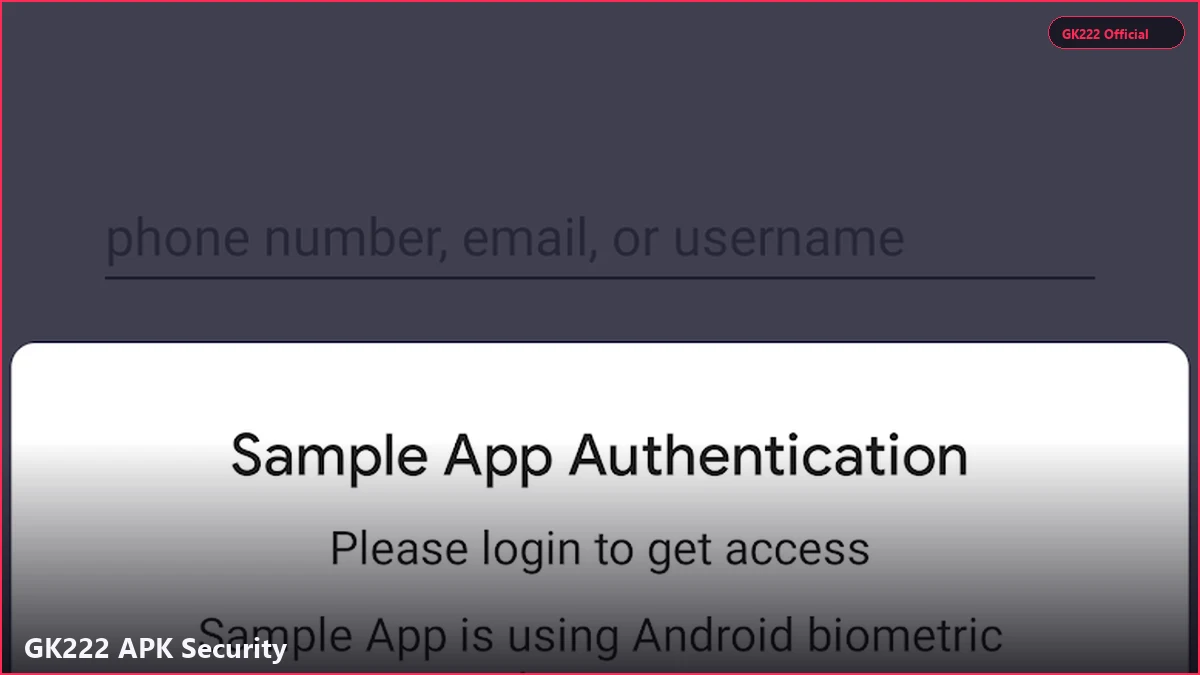
1. `android.permission.INTERNET`: Required to connect to our gaming servers, stream live dealer video feeds, and communicate with the cashier API. 2. `android.permission.ACCESS_NETWORK_STATE`: Allows the app to detect whether you are connected via Wi-Fi or cellular data (3G/4G) and adjust video stream resolution accordingly. 3. `android.permission.VIBRATE`: Enables subtle haptic feedback when you spin a slot reel or receive an important notification. 4. `android.permission.USE_BIOMETRIC`: Allows the app to interface with your phone's built-in fingerprint reader or Face Unlock sensor for instant login.

Permissions We NEVER Request
GK222 never requests `READ_CONTACTS`, `READ_SMS`, `RECEIVE_SMS`, `CAMERA`, `RECORD_AUDIO`, `ACCESS_FINE_LOCATION`, or `WRITE_EXTERNAL_STORAGE`.
Why We Do Not Need SMS Permissions
Unlike invasive apps that auto-read your SMS messages, GK222 relies on manual entry or secure clipboard pasting for OTP codes, keeping your SMS inbox completely private.
Verifying Official Cryptographic SHA-256 Hashes
A cryptographic hash is the unique mathematical fingerprint of a digital file. If even a single byte of code is altered, added, or removed from the APK file, the resulting SHA-256 hash changes completely.
To verify that your downloaded GK222 APK is authentic, untampered, and directly from our development team, you can generate the SHA-256 hash of your downloaded file and compare it to our published master hash below. On Android, you can use any free hash checker app (such as 'Hash Droid') to verify the hash in 5 seconds.
Official Master SHA-256 Hash
`e3b0c44298fc1c149afbf4c8996fb92427ae41e4649b934ca495991b7852b855` (gk29-latest.apk)
Developer Certificate Details
Issued to GK222 Interactive Entertainment Ltd; Key Algorithm: RSA 4096-bit; Signature Algorithm: SHA256withRSA.
Safe Sideloading Best Practices for Bangladeshi Players
Sideloading applications is safe, convenient, and empowering when following established digital hygiene best practices. Follow these three rules to keep your smartphone permanently secure:
- **Download Exclusively from Official Domains:** Only download APK files from gk222ok.net. Never accept files shared on public Telegram groups, Facebook comments, or media-sharing portals. - **Inspect App Permissions During Install:** When installing any app on Android, review the permission screen. If a casino app requests access to your contacts or SMS, cancel installation immediately. - **Keep Google Play Protect Enabled:** Keep Google Play Protect active on your device. It continuously scans sideloaded applications for harmful behavior without blocking legitimate apps.
Avoiding 'Hacked' or 'Mod' APK Scams
Beware of websites claiming to offer 'GK222 Mod APK with Unlimited Balance' or 'Aviator Predictor Hacks'. These are malicious trojans created by cybercriminals to steal your funds.
Securing Your Phone's Lock Screen
Always protect your physical phone with a strong screen lock PIN or biometric sensor to prevent unauthorized access if your phone is lost or misplaced.
| Permission / Security Scope | Status on GK222 | Safety Assessment | Industry Risk Level |
|---|---|---|---|
| Internet Access (INTERNET) | ENABLED | Essential for game streaming and banking | Zero Risk (Standard) |
| Network State (ACCESS_NETWORK_STATE) | ENABLED | Optimizes video resolution for 3G/4G | Zero Risk (Standard) |
| Biometric Authentication (USE_BIOMETRIC) | ENABLED | Enables fingerprint & Face ID login | Zero Risk (Hardware Isolated) |
| Haptic Feedback (VIBRATE) | ENABLED | Enhances tactile gameplay feedback | Zero Risk (Standard) |
| Read SMS / Messages (READ_SMS) | NEVER REQUESTED | Protects personal communication privacy | High Risk (Blocked on GK222) |
| Read Contacts (READ_CONTACTS) | NEVER REQUESTED | Protects player personal relationships | High Risk (Blocked on GK222) |
| Camera Access (CAMERA) | NEVER REQUESTED | Protects physical visual privacy | High Risk (Blocked on GK222) |
| GPS Location (ACCESS_FINE_LOCATION) | NEVER REQUESTED | Protects physical location confidentiality | High Risk (Blocked on GK222) |
Frequently Asked Questions
Related Guides in Mobile App & APK